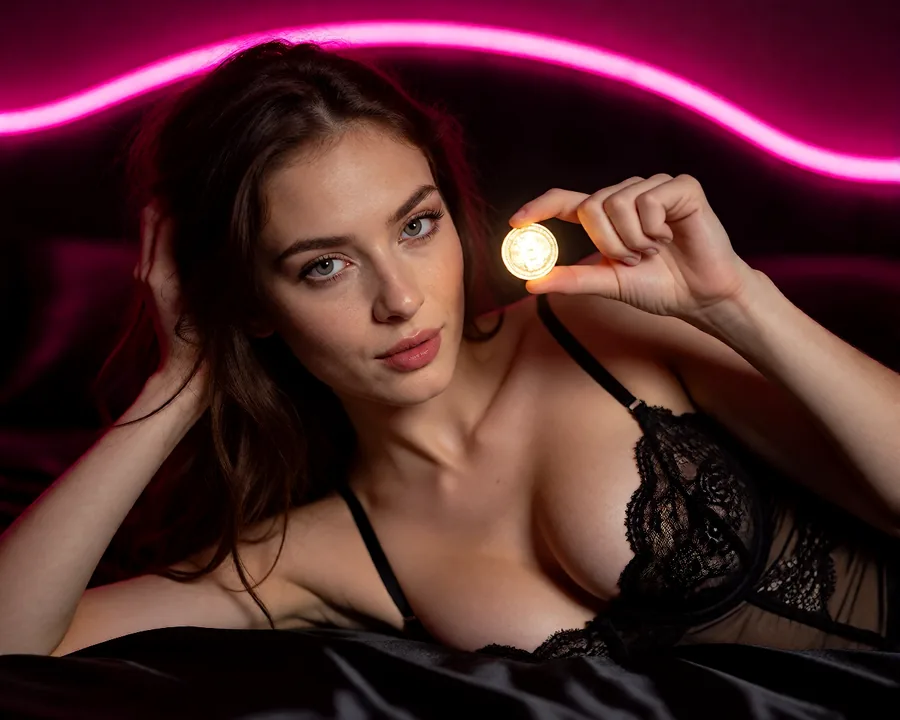

Qwen Image Edit wants an instruction, not a tag list.
It is the editor people land on after a closed model refuses them, and then they prompt it like Stable Diffusion and wonder why the results are mushy. This is the structure it actually responds to, the failure modes worth knowing before you burn a run, and what to do if you have no GPU.
Does Qwen Image Edit allow NSFW content?
The open weights carry no refusal layer, so the answer is decided entirely by where you run it. Run it locally and it will attempt the edit you asked for. Run it through a public API or a consumer app and that host's moderation applies. This is why the same model is described as uncensored in one thread and blocked in the next — both people are right about their own setup.
The prompt shape that works
Qwen Image Edit was trained on instructions. It expects a sentence telling it what to change about a specific picture, in the way you would tell a retoucher. Keyword soup — the comma-separated style that works on older text-to-image checkpoints — gives it no verb to act on, and the result is a vague global restyle instead of the edit you wanted.
Four parts, in this order, cover almost everything:
Name the subject
Say who or what in the frame you mean. "The woman on the left", not "her". Ambiguity is the single biggest cause of the model editing the wrong thing.
State one change
One edit per run. Two instructions in one prompt reliably produces two half-applied edits. Run them in sequence instead.
Protect what must not move
This is the clause everyone skips and it is the one that decides whether the edit is local or global. Name the face, the pose, the framing and the background explicitly.
Only then mention light or camera
Add these only if they should change. Describing the lighting you already have invites the model to re-render it slightly differently, which reads as drift.
nsfw, nude, beautiful woman, bedroom, soft lighting, photorealistic, 8k, detailed skin, masterpiece
Remove the woman's robe so she is nude, keeping her exact face, hair,
body proportions and pose unchanged. Keep the same bedroom background,
the same framing and the same window light. Photographic skin texture,
no smoothing.
The second prompt is longer and duller to read, and it is the one that returns a usable frame. Every clause after the first is doing work: without the preserve clause the face shifts, and without the texture note the model quietly airbrushes.
Failure modes, and the clause that fixes each one
Almost every complaint about this model traces back to one of five things. None of them need a different checkpoint — they need a different sentence.
| What you see | Why | Fix |
|---|---|---|
| The whole image changed | Nothing was protected, so everything was in scope. | Add an explicit preserve clause naming face, pose, framing and background. |
| The face is not quite the same person | You chained edits, so drift compounded. | Start every edit from the original image, not from the previous result. |
| Skin looks plastic | The model defaults to smoothing when texture is unspecified. | Ask for photographic skin texture and visible pores; say no smoothing. |
| Hands or fingers went wrong | Hands were near the edited region and got re-rendered. | Name the hands in the preserve clause, or crop the edit away from them. |
| Two edits, both half done | One prompt asked for two changes. | Split into two runs. It is faster than fixing a compromised frame. |
The pattern behind all five: the model does what you did not rule out. Be specific about the change, then be specific about the boundary around it.
Running it without a GPU
Local is the flexible option and it costs a weekend. You need a reasonably current GPU, a workflow graph, the weights, and the patience for the first three attempts to look wrong. Plenty of people enjoy that. Plenty of others just want the edit.
The hosted route on this site is QWEN EDIT SPICY. An edit costs 7 Coins, and the exact cost is shown before the run rather than after it. Generation runs on Realism or Z-Image Spicy Pro at 12 Coins, and any result can be pushed into Wan 3.0 for a clip after any confirmed Coin-pack purchase.
One thing worth knowing before you sign up: edits run on a generation you already made on the site or on a photo you upload. An uploaded photograph is not identity-checked, so the consent behind it is yours to hold, and anyone can report a result on the Content removal page.
What we will not do here
Everything on GeneratePorn.ai is adult, and generated characters are fictional. You can upload a photo to edit, but only one you are allowed to use: your own, or one of an adult who has agreed to it. Prompts that name public figures or non-consensual scenes are refused automatically. Anything that sexualises a minor is refused outright. Those limits are enforced at generation time rather than promised in a policy, and the detail is in our Acceptable use policy.
The short version
Qwen Image Edit is the best open instruction-based editor for adult work right now, and most bad results are prompt-shaped rather than model-shaped. Write a sentence, change one thing, and say what must stay.
If you have the hardware, run it locally. If you do not, QWEN EDIT SPICY is the same class of tool at 7 Coins an edit.
FAQ
Does Qwen Image Edit allow NSFW content?
The weights carry no refusal layer, so it depends on where you run it. Locally it attempts what you ask. Through a public API or consumer app, that host's moderation decides.
How should you prompt Qwen Image Edit?
Write an instruction, not a tag list. Name the subject, state one change, say what must stay the same, and mention lighting or camera only if it should change.
Why does it change the whole image instead of one thing?
Because the prompt protected nothing. Add a clause naming the face, pose, framing and background as unchanged, and keep to one edit per run.
Can it keep the same character across several edits?
Yes, reasonably well, as long as each edit starts from the same source image. Chaining edits compounds drift and the face slowly stops being the same person.
How do you run it without a GPU?
Use a hosted studio. Here it is QWEN EDIT SPICY at 7 Coins per edit, running on a generation you already made on the site, or on a photo you upload.
One payment. Every paid tool.
Images, edits, photo sets and video in one private studio. A single purchase opens every paid tool and the Rewards ladder — spend your Coins your way and download your results. Packs start at $4.99.
No membership and no renewal: Coins are a one-time purchase. Pay by card, Telegram Stars or crypto.Other models
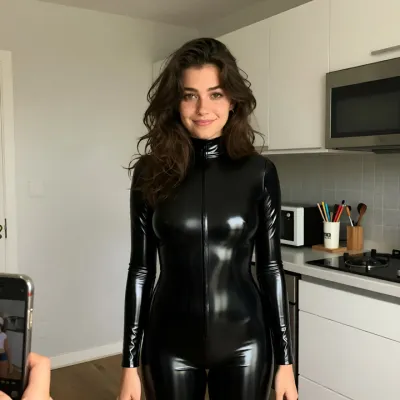
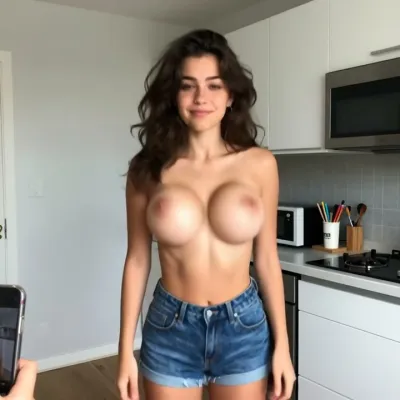
Edit it properly.
Generate a still, then change exactly one thing about it. Your first image and one Undress photo are free, and every run shows its Coin cost first.
 Start creating — free